
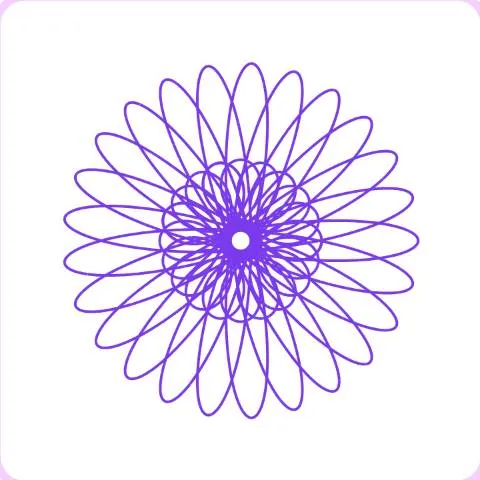
How to play Gear Art
- Set the size of the small gear and the position of the pen with the sliders.
- Pick a color and a line width, then press Draw: the gear rolls inside the big ring and draws a rosette.
- Change a setting and draw again on top to layer patterns.
- Surprise me picks random settings. Save image keeps your drawing on your device.
- Press Finish when you are happy with your art to earn your points.
Tips
- Small changes make big differences: move one slider a little and draw again.
- A pen close to the edge of the gear draws loops; close to the center, soft waves.
- Layer two or three colors with slightly different gears for a mandala effect.
- Thin lines look best for dense patterns, thick lines for simple ones.
About Gear Art
Gear Art draws hypotrochoids, the curves made by a pen fixed on a small gear rolling inside a bigger ring. The same idea powered popular drawing toys for decades.
Every setting gives a different figure, and the drawing animates as the gear turns. It is a relaxing way to explore geometry and make something beautiful.
Points and badges
Finishing a game of Gear Art earns points for your level. Four badges are waiting in this game, from bronze to diamond: each one says what to do and adds bonus points.
Questions
Can I keep my drawing?
Yes. Save image downloads it as a PNG picture on your device.
How are points earned?
Press Finish after drawing: each pattern you drew adds a few points.
Why do some settings draw for longer?
Some gear sizes need many turns before the curve closes on itself.