
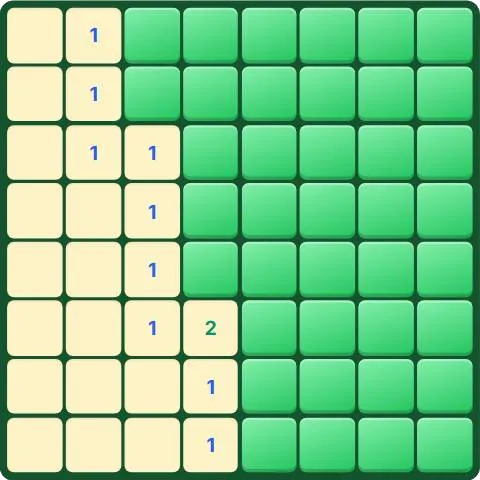
How to play Minesweeper
- Tap a square to dig. Your first dig is always safe and opens an area.
- A number tells how many mines touch that square, diagonals included.
- Long press (or right click with a mouse) to place a flag on a square you think hides a mine. You can also switch to Flag mode.
- Open every safe square to clear the field. Digging on a mine ends the game.
Tips
- A 1 touching a single hidden square means that square is a mine: flag it.
- When a number already has all its mines flagged, every other hidden neighbor is safe: tap the number itself to open them all at once.
- Work from the edges of the open area, where the numbers give the most information.
- Look for the 1-2-1 pattern along a wall: the mines sit next to the two 1s.
- If you really have to guess, pick a square far from the numbers.
- The clock runs from your first tap. Beat your best time on each level.
About Minesweeper
Minesweeper became famous on desktop computers in the 1990s and is still one of the most loved logic games. Every number is a clue, and good players almost never need to guess.
This version is made for touch screens as well as mouse and keyboard: tap to dig, long press to flag, or use the Dig and Flag switch. Four levels go from a 6 x 6 field with 5 mines to a tall 9 x 13 field with 22.
Points and badges
Finishing a game of Minesweeper earns points for your level. Four badges are waiting in this game, from bronze to diamond: each one says what to do and adds bonus points.
Questions
Is the first move always safe?
Yes. Mines are placed after your first dig, never on that square or around it.
How do I place a flag on a phone?
Hold your finger on a square until the flag appears, or switch to Flag mode under the board.
Do I earn points if I hit a mine?
A few, based on the moves you made. Clearing the whole field earns far more.