
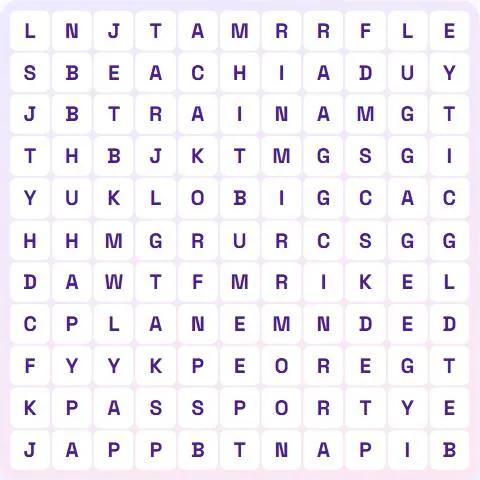
How to play Word Search
- Words from a theme are hidden in the grid of letters. The list shows what to find.
- Drag across a word from its first letter to its last, or tap the first letter then the last.
- Found words are colored in the grid and crossed out in the list.
- On Easy, words run across and down; on Medium they also go diagonally; on Hard they can run in any direction, backward too.
Tips
- Look for rare letters first, like Z, K or Y: they stand out.
- Scan one row at a time for the first letter of a word, then check its neighbors.
- On Hard, read backward too: a word may start at its last letter.
- Longer words are often easier to spot than short ones.
- Hint makes the first letter of a missing word blink and circles the word in the list. The speed badge is for a grid cleared without it.
About Word Search
Word search is a calm, classic puzzle that trains visual scanning and spelling.
Each grid is generated from a theme, with the words placed at random and the empty squares filled with letters. Three levels change the size of the grid and the directions.
Points and badges
Finishing a game of Word Search earns points for your level. Four badges are waiting in this game, from bronze to diamond: each one says what to do and adds bonus points.
Questions
Can words overlap?
Yes, two words can share a letter where they cross.
Do I need to select the word in its reading order?
No. Selecting from either end works.
Is there a time limit?
Take all the time you need.