
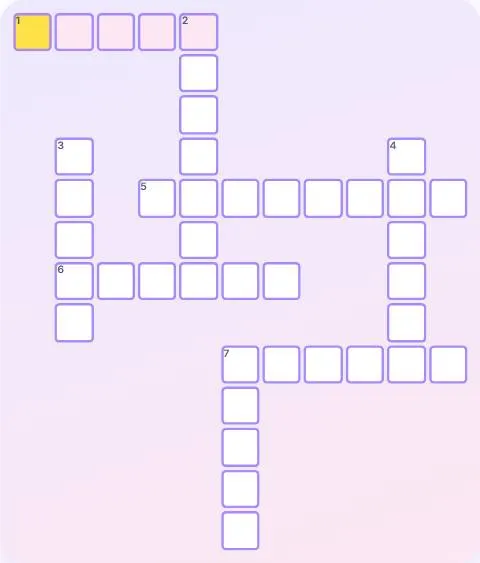
How to play Crossword
- Each game picks a theme, such as animals, space or travel, and builds a crossword from it.
- Tap a square to select its word; tap the same square again to switch between Across and Down. You can also tap a clue.
- Type the letters with your keyboard or the on-screen keys. The cursor moves to the next square on its own.
- Check shows wrong letters in red; Reveal a letter fills one square of the current word (3 per game).
- Fill the whole grid correctly to win.
Tips
- Start with the clues you are sure of: their letters help with the crossing words.
- The number in brackets is the length of the word.
- All words share the theme shown at the top: use it to guess.
- Solving without Check or reveals earns the most points.
About Crossword
Crosswords have been a favorite puzzle since the early 20th century. This version keeps them friendly: short themed grids with plain-English clues.
Each grid is generated on the spot from a theme, with words crossing each other. Three levels go from 6 to 11 words.
Points and badges
Finishing a game of Crossword earns points for your level. Four badges are waiting in this game, from bronze to diamond: each one says what to do and adds bonus points.
Questions
How do I switch between Across and Down?
Tap the selected square again, or tap a clue in the list.
Can I play on a phone?
Yes. An on-screen keyboard appears under the grid.
Do helps cost points?
A little: each check and each revealed letter lowers the points.